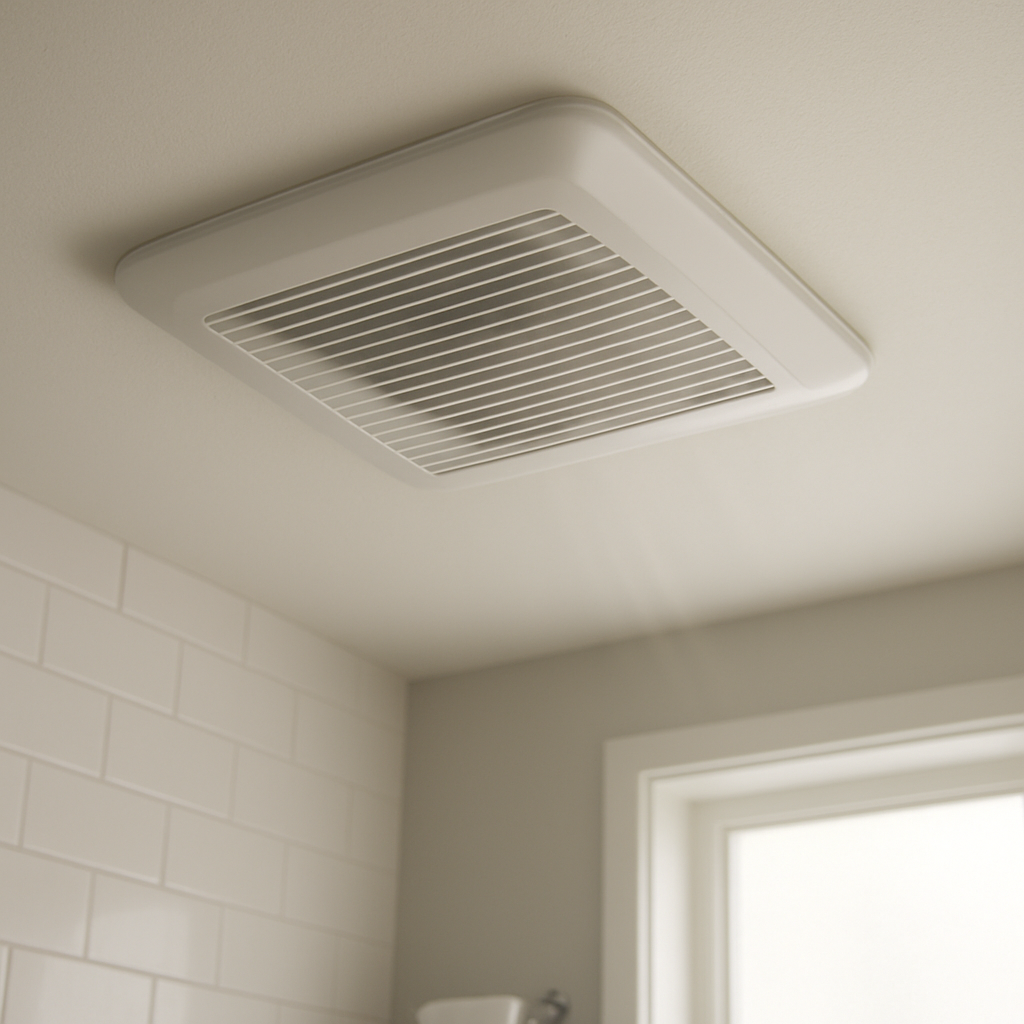
Bathroom Fan Buzzing Noise? Electrical Or Vibration Problem?
Quick Answer (Most Likely Cause)
A bathroom fan “buzz” is most often a normal motor electrical hum that gets amplified by loose mounting screws or a slightly loose housing against the drywall/joist. First action: run the fan while lightly pressing up on the grille and housing (no disassembly). If the buzz changes or stops, suspect vibration transfer and mounting. If the buzz stays constant and electrical in tone, plan for motor replacement or fan replacement by a technician.
Identify the Noise First
“Buzzing” can mean two different things: an electrical hum from the motor coils, or vibration being broadcast through the ceiling. Use the fan’s behavior to separate them before you spend money on parts.
Buzz at startup, then settles: often motor hum plus the housing resonating until the fan reaches speed. Loose mounting makes this worse.
Buzz is steady the entire time: points to electrical motor hum that may be normal or may indicate a failing motor, especially if it’s new/louder than before.
Buzz gets worse on one speed setting: classic resonance. The motor vibration frequency matches the ceiling/housing, usually from loose mounting.
Buzz is intermittent (comes and goes): can be a loose housing shifting slightly as it warms up or as vibration changes; less commonly a motor developing intermittent electrical noise.
Buzz started right after installation: frequently mounting related (bracket not tight, housing touching drywall, missing fastener). Motor defects happen, but mounting is more common.
Buzz started after cleaning the grille: grille may be vibrating or not seated, which transfers and amplifies the motor hum.
Whole ceiling “thrums” or you feel vibration in the drywall: mounting/housing contact is the amplifier. The motor may be fine, but the structure is acting like a speaker.
Buzz with weak airflow and no obvious rattling: can still be motor hum (strained motor), but rule out restrictions separately; the hum can get louder when the motor is under load.
What This Noise Usually Means
A bathroom exhaust fan motor naturally produces a low electrical hum as alternating current energizes the motor windings. In a healthy fan, that hum is usually masked by airflow noise. When the fan housing or mounting bracket is even slightly loose, that motor hum and normal vibration transfer into the ceiling framing and drywall. The ceiling cavity can act like a sounding board, turning a mild hum into a noticeable buzz. If the motor is failing, the electrical hum often becomes louder, rougher, or more “gritty” sounding, and may increase as the motor warms up.
Most Common Causes (Ranked by Probability)
Loose mounting screws or bracket at the joist
What happens: the fan body vibrates slightly and the mounting points chatter.
Symptom clue: buzz changes when you press on the grille or housing; louder at one speed.
Why it creates this noise: the ceiling structure amplifies normal motor hum into a buzz.
Fan housing touching drywall or framing (contact point resonance)
What happens: the metal/plastic housing rests tight against a rigid surface.
Symptom clue: a “boardlike” vibration you can feel in the ceiling nearby.
Why it creates this noise: direct contact transmits vibration efficiently, making hum sound louder and harsher.
Loose or buzzing grille (spring clips not seated)
What happens: grille vibrates in sympathy with the motor.
Symptom clue: noise reduces if you hold the grille; returns when released.
Why it creates this noise: the grille becomes a small resonator that “buzzes” at motor frequency.
Motor electrical hum increasing from aging windings
What happens: motor windings and internal electrical components degrade, increasing audible hum.
Symptom clue: buzz is steady, doesn’t change much when you touch the housing, and seems louder over weeks/months.
Why it creates this noise: stronger magnetic vibration and less efficient motor operation raise the base hum.
Loose motor mounting inside the housing
What happens: motor assembly shifts slightly, adding vibration to the hum.
Symptom clue: a buzz that seems to come from “inside” the unit and may worsen on certain speeds.
Why it creates this noise: the motor’s normal vibration is no longer isolated and is transmitted to the housing.
Fan wheel slightly out of balance amplifying the hum
What happens: minor imbalance increases vibration load on the motor and housing.
Symptom clue: buzzy vibration plus a faint wobble sensation; may be more noticeable as speed increases.
Why it creates this noise: added vibration “rides on top of” the electrical hum and makes it easier to hear.
Electrical switching noise from the control (timer/speed control) affecting the motor
What happens: some controls introduce a different kind of motor hum or buzz.
Symptom clue: buzz is worse at certain settings, or changes when using a different switch position.
Why it creates this noise: the motor receives a waveform that can make coil vibration more audible.
Early bearing wear increasing motor vibration that gets amplified by loose mounting
What happens: the motor runs rougher, generating more vibration even if it still spins.
Symptom clue: buzz becomes more noticeable over time and may be paired with a faint growl.
Why it creates this noise: the rougher rotation increases vibration that the ceiling then amplifies.
How to Check Safely Before Calling for Service
Press test (no tools): with the fan running, lightly press the grille upward. If the buzzing changes, it’s usually vibration transfer or a loose grille.
Grille seating check: confirm the grille is centered and the spring clips are fully engaged. A slightly crooked grille can buzz.
Speed/resonance check: if your fan has multiple speeds or a control, test each setting. A single “bad” setting often indicates resonance, not a failed motor.
Room vibration check: place your fingertips on the ceiling near the fan. If vibration spreads across drywall, suspect mounting or housing contact.
Listen for tonal quality: a pure, steady electrical hum suggests motor/electrical hum; a harsher, rattly buzz often indicates something loose amplifying vibration.
Check for airflow drop: while the fan runs, confirm it’s still pulling air effectively. Significant performance loss with louder hum can point to motor strain and may justify replacement.
Look for recent changes: if buzzing started right after grille cleaning or painting, suspect a disturbed grille fit or housing contact point.
Check the switch behavior: if buzzing changes when using a timer or speed control versus a simple on/off, the control may be contributing to motor buzz and may need a compatible switch.
Confirm screws aren’t backing out (visible only): if you can see any accessible fasteners through the grille openings, look for obvious looseness or gaps. Do not remove wiring covers or open electrical compartments.
Document the pattern: note when it’s loudest (cold start, after 10 minutes, only at one speed). This helps a service technician decide whether to tighten mounting, replace the motor, or replace the entire unit.
Normal Operating Sound vs Warning Signs
Normal: a soft, even hum under the airflow sound; no ceiling vibration felt beyond the fan area; noise level stays consistent over months.
Warning: a new buzz that wasn’t there before, especially if it’s clearly audible from outside the bathroom.
Warning: buzzing grows louder over time or becomes more “electrical” (sharper tone) rather than a smooth hum.
Warning: noticeable vibration in the ceiling drywall or a “drumming” effect on one specific speed (often mounting resonance that needs correction).
Warning: speed instability (surging, slowing, or struggling) paired with buzzing.
Stop using and schedule service: any burning smell, visible smoke, or repeated tripping of a breaker. These are not typical vibration issues and warrant professional diagnosis.
When Professional Service Is Recommended
Buzz persists after reseating the grille and confirming it isn’t the source and the sound is still clearly electrical in tone.
Buzz increases over weeks/months or the fan starts sounding rougher, which can indicate motor deterioration.
Ceiling vibration is strong and you suspect the housing or mounting bracket needs tightening or re-securing to framing.
The fan was recently installed or replaced and buzzing started immediately; an installer can correct mounting, housing contact, or compatibility with the wall control.
Any electrical symptoms appear such as speed fluctuations, overheating odor, or a hot switch plate.
You want a cost-effective fix decision: a technician can quickly determine whether tightening the mount solves it or whether a motor/fan replacement is the better value.
How to Prevent This Problem
Use a properly secured mount to framing: ensure the housing and bracket are firmly fastened so normal motor vibration can’t resonate in the ceiling.
Keep the grille properly seated: after cleaning, make sure springs are evenly tensioned and the grille sits flat.
Avoid incompatible controls: use switches, timers, or speed controls recommended for the fan model to reduce motor electrical buzz.
Address noise early: a small buzz is often a loose mounting issue that becomes louder as fasteners loosen further.
Maintain airflow paths: good airflow helps the fan run efficiently; a strained motor can hum more audibly.
Choose quality replacements when needed: if the motor is aging and noisy, replacing the fan with a quieter-rated model can reduce electrical hum and vibration transfer.
Related Fan & Ventilation Noise Problems
Bathroom fan rattling only when the door is closed (pressure/vibration interaction that can mimic motor buzz)
Bathroom fan humming but not moving much air (can resemble electrical hum but involves performance change)
Bathroom fan vibration felt in the next room’s wall (mounting transfer through framing)
Bathroom fan buzz that stops when you touch the grille (loose grille or housing resonance)
Bathroom fan gets louder after a remodel (housing contact with new drywall thickness)
Bathroom fan buzzing after switching to a timer switch (control compatibility affecting motor hum)
Bathroom fan makes a low-frequency “drone” on one speed (speed-specific resonance at the mount)
Bathroom fan makes a harsh electrical buzz only after warming up (motor wear or internal mounting loosening)
Bathroom fan clicking plus buzzing (loose grille clip or mounting hardware chattering)
Bathroom fan new installation sounds louder than expected (mounting tightness and ceiling amplification)
Bathroom fan buzzing increases when the light is on (shared housing vibration or switch/control interaction)
Bathroom fan “transformer-like” hum even with good airflow (motor electrical hum standing out in a quiet room)
Conclusion
A buzzing bathroom fan is most commonly a normal motor electrical hum being amplified by loose mounting screws, housing contact, or a vibrating grille. Start by isolating vibration with the press test and checking grille seating, since mounting issues are cheaper and more likely than immediate motor failure. If the hum is steady, increasing, or paired with speed instability, plan for motor replacement or full fan replacement. When in doubt, a technician can quickly confirm whether it’s a mounting correction or a failing motor.
Frequently Asked Questions
Is a buzzing bathroom fan unsafe to run?
Usually it’s not an immediate safety issue if it’s simply vibration amplification, but it shouldn’t be ignored. Stop using the fan and schedule service if you notice a burning smell, speed surging, a hot switch plate, or the breaker trips. Those symptoms point beyond normal vibration and require professional electrical inspection.
How can I tell electrical hum from vibration?
Try the press test: with the fan running, lightly press the grille/housing area. If the buzzing changes noticeably, vibration transfer is likely. If the sound stays the same and is a steady “electrical” tone regardless of pressure or minor contact, the motor hum (and possibly motor wear) is the more likely source.
What does it typically cost to fix a buzzing bathroom exhaust fan?
If the issue is loose mounting or a vibrating grille, the repair is often a straightforward service call focused on tightening, re-seating, and isolating contact points. If the motor is failing, many fans are more cost-effective to replace as a complete unit rather than sourcing a motor. A technician can confirm which path makes sense for your model and installation.
Is there a temporary fix I can do without opening electrical parts?
You can reseat the grille and ensure the springs are evenly engaged, then confirm the grille sits flat. You can also note which speed or control setting triggers the buzz and avoid that setting until service. Avoid stuffing materials into the housing or ceiling opening, and do not open wiring compartments.
Do I need to replace the fan if it’s buzzing?
Not always. If the buzz is mainly resonance from loose mounting or a loose grille, tightening and proper seating can solve it. Replacement becomes more likely when the hum is getting louder over time, remains constant regardless of housing contact, or comes with performance problems like weak airflow or unstable speed.
Can the wall switch or timer cause a buzzing motor sound?
Yes. Some timers or speed controls can change the electrical waveform reaching the motor and make it buzz more. If the buzzing started after a switch change, or varies by switch setting, a licensed technician can verify control compatibility or recommend the correct switch for that fan.
What’s left now is the part that feels almost too simple: letting the day move without carrying the same old weight. The issue and the answer sit side by side, like two pages that finally belong together.
There’s a quiet relief in that. Not fireworks—just the small sense that things can be handled, and then they can be left alone.